A free exterior home design app can be handy when you’re staring at a tired front elevation and trying not to guess your way into a bad choice. I’ve stood on enough ladders in Minneapolis to know the expensive part usually isn’t the app, it’s the wrong siding color, the wrong trim contrast, or the wrong material ordered because somebody thought it would look better in their head than it does on the house. The app won’t replace a real estimate, but it can keep you from buying the wrong look.
What it does well
Used the right way, these tools are good at one thing: helping a homeowner narrow the field before the money starts moving. You can drop a photo of your house into a rendering, test lighter trim against dark siding, or see whether a charcoal roof makes the place look too heavy. That matters on older Midwest houses with short eaves, small windows, and a lot of visual weight at the bottom half.
I’ve had homeowners spend a weekend going back and forth between two colors that looked almost the same on a sample board. The rendering usually settles that fight fast. It also helps when you’re talking to a contractor, because you can point to a picture and say, “This is close, but I want less contrast on the trim,” instead of waving your hands around and hoping the painter or siding crew reads your mind.
A free exterior home design app is especially useful when you’re comparing small changes that still cost real money. Swapping a front door from white to black is cheap. Changing the whole siding package from vinyl to fiber cement is not. If a homeowner can tell early that a look feels too dark, too busy, or too trendy, that saves time and avoids restocking headaches later.
What to compare before you trust the render
Don’t just test one color and call it done. Run the combination against the fixed stuff on the house: brick, stone, roof color, gutters, soffit, and any trim you are not replacing. A house with warm red brick wants a different siding and trim plan than a gray colonial with a plain asphalt roof. The app should help you see that mismatch before you sign anything.
I like to tell people to compare three versions only. Pick one safe choice, one bolder choice, and one that’s just outside your comfort zone. If all three look flat on the screen, the issue may not be the color. It might be the profile, the window trim size, or the fact that the house needs better proportions, not a prettier shade of beige.
This is also where a good sample board still beats a screen. A screen can make a soft gray look clean and a warm taupe look dingy depending on the light. Real siding samples are better for texture and sheen. If you’re looking at vinyl, engineered wood, or fiber cement, you want to see how the surface reads in morning shade and late-day sun, not just under phone brightness.
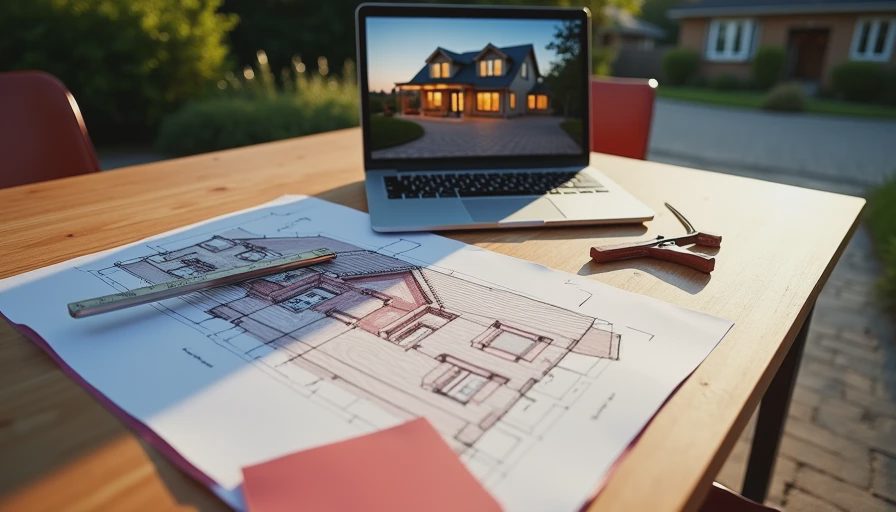
Where the app gets fuzzy
This is the part people forget: a free exterior home design app is a picture tool, not a construction tool. It can flatten depth, hide ugly flashing, and make a house look cleaner than it really is. It doesn’t know if your front porch overhang is deep, if your windows sit proud of the wall, or if the left side of the house gets hammered by wind-driven snow every February.
That matters in cold climates. I’ve seen homeowners fall in love with a dark siding mockup, then hate it in real life because the north side never looks the same twice. On a cloudy day, the color goes muted. In full sun, it pops. On a house with lots of shadow lines, the same shade can look two tones darker than it did on a laptop screen.
The other problem is material honesty. A render can make a budget vinyl panel look like premium wood grain, and it can make a plain 5-inch fiber cement lap look fancier than it really is. If you’re budgeting, keep your numbers grounded. A typical vinyl siding job on an average ranch might land around $8,000 to $12,000. Fiber cement often runs more like $15,000 to $22,000, depending on trim, tear-off, and labor. A pretty mockup doesn’t change that math.
How to use it before you call for bids
I’d use the app the same way I’d use a tape measure: as a starting point, not a decision. Take your photos on a bright but cloudy day if you can. Stand square to the house. Don’t shoot from the driveway at an angle unless you want the left side of the home to look bigger than the right side. Then save the versions you like and bring them to the first contractor meeting.
That gives you a cleaner conversation. Instead of asking for “something modern,” you can say you want a lighter body color, low-contrast trim, and a darker front door. That kind of direction helps when you’re comparing bids from James Hardie, vinyl, engineered wood, or even a repaint with Sherwin-Williams or Benjamin Moore colors. The contractor still has to price the labor correctly, but at least you’re both looking at the same target.
If you’re shopping more than one estimate, keep the render consistent. Same photo. Same angles. Same basic material idea. If one contractor is quoting house wrap replacement, new trim boards, and proper flashing, while another is just painting over old mistakes, the app won’t catch that. The scope of work does.
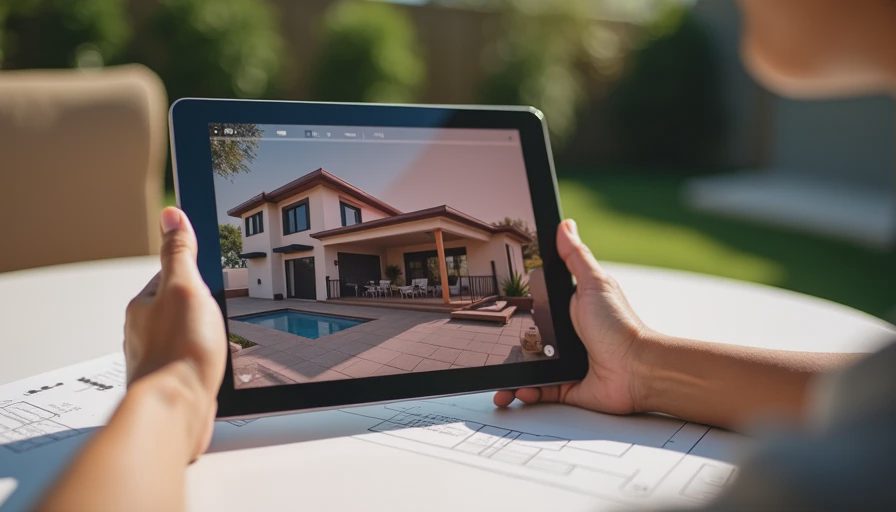
A real-world way to keep it honest
I had a homeowner in south Minneapolis who wanted to make a 1990s colonial look sharper without spending a fortune. The first mockup had dark siding, bright white trim, and a black door. On screen, it looked clean. On the actual house, with its short porch and deep shade from two maples, it looked too heavy. We kept the existing siding, updated the trim color, replaced the tired front light, and swapped the door. The house looked better, and they didn’t spend money chasing a style that fought the building.
That’s the lesson. Use the app to find the line between “better” and “too much.” If the house already has good bones, you may only need a few changes. A new garage door, a better front entry, and cleaner trim can carry a big visual lift without tearing the place apart. If the siding is failing, the caulk lines are shot, or the bottom courses are soft, then the app is still useful, but now it’s helping you plan a real scope, not just a facelift.
Bottom line for homeowners
A free exterior home design app is worth using if it helps you make fewer guesses and better bids. It’s not magic, and it won’t tell you whether the flashing is right, but it can save you from ordering a look you’ll hate six months later. Start with one good photo, test a few honest combinations, and compare them against the actual roof, trim, and brick on your house. If the render still looks good after that, you’re probably on the right track.
I’ve been on that roof. Let me save you the trip: treat the app like a sketch pad, not a promise. Then spend your real money on the material, the install, and the details that keep water out.




No notes on this sheet yet.